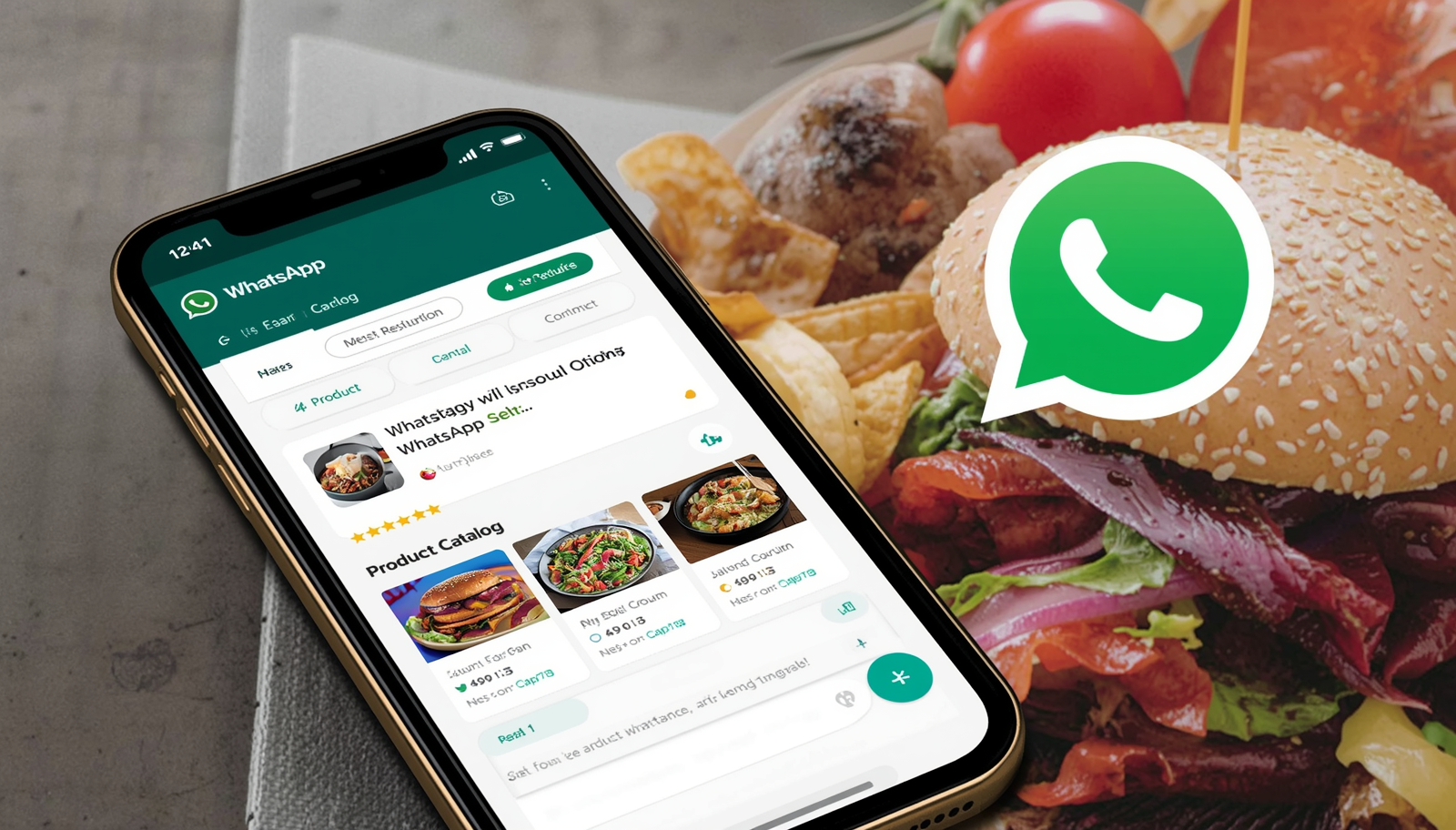
Most restaurants already receive orders via WhatsApp. The problem is that most use personal WhatsApp — without separating personal life from business, without absence message schedules, without any automation. It is a chaos that grows with the business.
WhatsApp Business solves most of this, is free and takes less than 30 minutes to set up properly. But there is a right order to do it — and many people share the number before configuring, which creates a terrible first impression.
Business profile — address, business hours, website and description are visible before the customer sends the first message. They already know they are talking to a business.
Automatic messages — you can set up a welcome message for first-time contacts, and an away message for outside business hours. Without these configurations, someone who messages at 11pm is left without a reply until the next day without knowing if it was received.
Labels — organize service by categories like "new order", "awaiting payment", "in preparation", "delivered". Essential when volume increases.
Catalog — you can create a product catalog within WhatsApp itself. It is basic compared to a real digital menu, but serves as a quick showcase.
Statistics — shows how many messages were sent, delivered and read.
1. Profile photo — use the restaurant logo or a photo of the most famous dish.
2. Business name — put the name as the customer knows it.
3. Description — 139 characters to say what you are and what you do. Example: "Artisanal pizzeria in downtown — Delivery and pickup — Mon-Sun 6pm to 11pm".
4. Address and hours — fill in everything.
5. Welcome message — configure in Settings, Business Tools, Welcome message.
6. Away message — configure the absence hours and automatic message.
7. Quick replies — shortcuts for texts you send frequently. Set up at least: full address, business hours, menu link, accepted payment methods and delivery area. You access them by typing "/" in the message field.
The format is: wa.me/[country code][number]. You can add a pre-written message: wa.me/5511999998888?text=Hello,%20I%20want%20to%20place%20an%20order
This link goes in your Instagram link hub, on Google Business Profile — anywhere you want to make contact easier.
Do not use your personal number as the business number. Do not leave the status "online" all the time if you cannot respond immediately. Do not send bulk messages without customer permission — WhatsApp bans accounts that receive too many spam reports.
Properly configured WhatsApp Business is an attendant who does not sleep, does not miss work and does not ask for a raise. The 30 minutes you invest today pay off in the first week.
