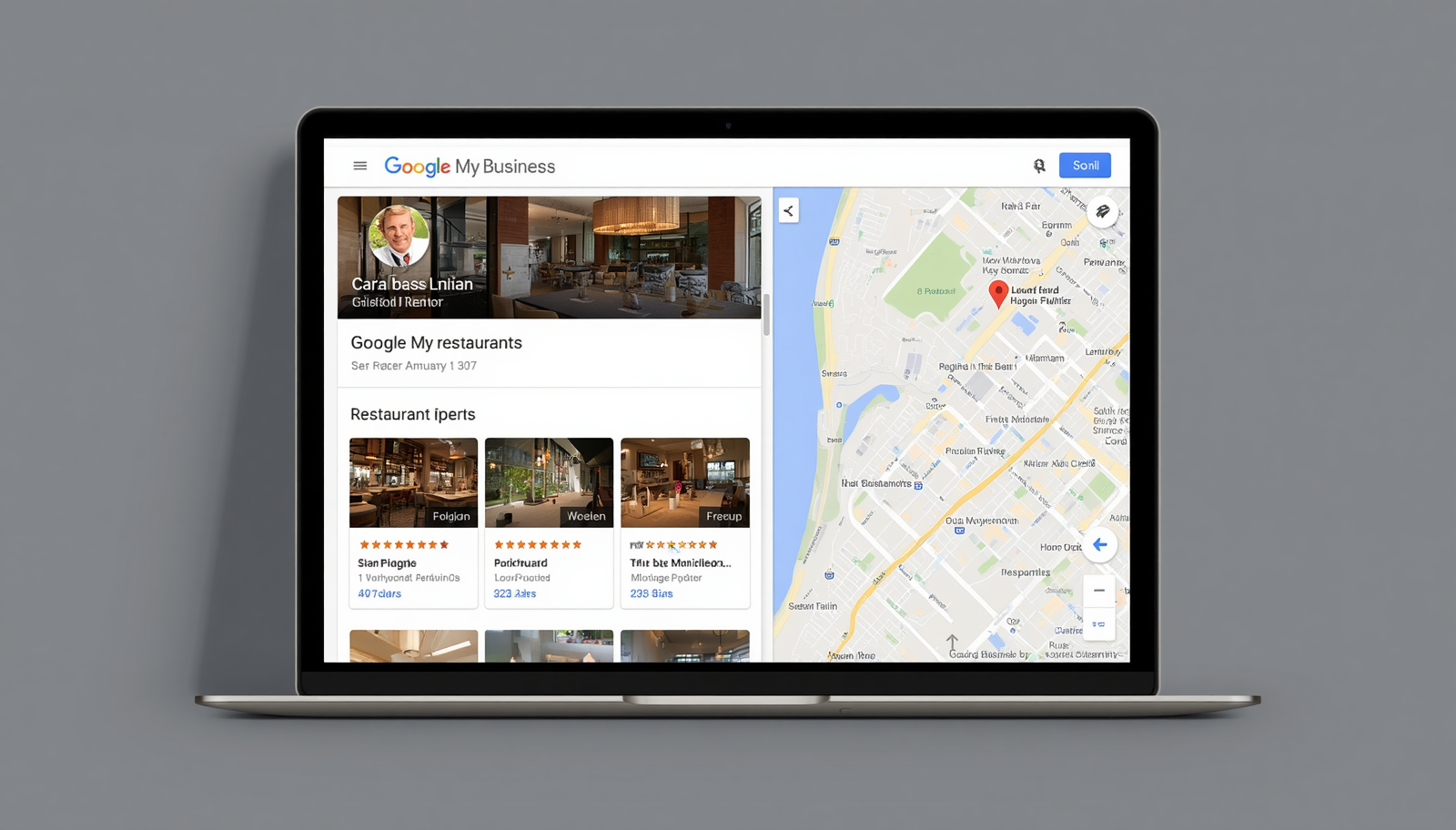
When someone types "restaurant near me" into Google, what appears first is the Google Business Profile — and if yours is not configured, you simply do not exist in that search.
It is free, takes less than an hour to set up, and can be the biggest source of new customers you have. This guide shows you what to do from scratch.
It is the panel that appears on the right side of Google when someone searches for your restaurant by name, or in map results when searching for food type or "nearby restaurant". It shows your address, hours, phone, photos, reviews and menu.
Those who do not have this profile set up simply do not appear in these searches — or appear with incorrect information that Google tried to guess automatically.
Go to business.google.com and sign in with a Google account. Google will ask if your business already exists — many times it has already created an automatic profile with basic data. If so, you need to claim ownership to be able to edit it.
Verification is usually done by code sent via letter (5 to 7 days), phone call, or for some businesses, by video. Do not skip this step — without verification the profile does not appear prominently.
Business name — use the real name, without adding forced keywords.
Main category — choose carefully. "Restaurant" is too generic. "Pizzeria", "Burger Joint" or "Bar" are more specific and appear in more relevant searches.
Address and delivery area — fill in the complete address. If you do delivery, add the coverage area to appear in searches from nearby neighborhoods.
Business hours — always keep updated. Google shows "Closed now" in real time. Nothing drives a customer away more than arriving and finding the restaurant closed because the hours were wrong.
Phone and website — put your WhatsApp number in the phone field. In the website field, put your link hub (like crdp.io/your-restaurant) instead of an institutional site.
Profiles with photos receive 42% more route requests and 35% more clicks, according to Google itself. Prioritize these photos: restaurant exterior, 3 to 5 best-selling dishes, interior of the dining room, team or owner photo.
Take photos with your phone in good natural light, at lunchtime. Avoid strong filters — natural photos convert better.
Google allows publishing news directly on the profile — promotions, special dishes, events. These posts appear in search for up to 7 days. Once a week already makes a difference: photo of the dish of the day, happy hour promotion, special weekend menu.
The Google Business Profile panel shows how many people saw your profile, how many clicked to call, how many asked for directions. Look at these numbers monthly.
A well-configured Google Business Profile is the digital equivalent of having a good storefront on a busy street — people pass by, see it, come in. And it costs nothing but time.
If you have not set yours up yet, reserve an hour today. It is the time investment with the best return in digital marketing for restaurants.
